


Over 80% of your customers look you up on a search engine before visiting. So, if your website isn’t popping up in those search results, you’re practically handing those customers over to your competitors on a lovely little platter.
Even when a customer isn’t looking for your restaurant specifically, your name should still be visible in their search results for the type of restaurant they are looking for. This is where restaurant marketing tools come into the picture — they help boost your visibility.
Utilizing digital marketing channels and leveraging the best restaurant marketing tools can enhance your online presence and ensure that your restaurant appears prominently in search results. By employing effective digital marketing tools, you can engage with potential customers, build customer loyalty, and drive foot traffic to your establishment, ultimately contributing to the success of your restaurant business.
In this blog, we’ve curated a list of essential tools across various functionalities, from website management to customer engagement.
From comprehensive restaurant marketing software to social media management tools, these resources are designed to help you optimize your marketing budget, attract and retain loyal customers, and enhance customer satisfaction. Additionally, incorporating targeted advertising solutions into your marketing toolkit can further amplify your restaurant’s visibility and reach, ensuring that your brand stands out in a competitive market.

What makes it even better? We’ve leveraged our experience to provide in-depth pros, cons, and pricing breakdowns for each tool.
Need a tool for a specific area? Jump directly to the category you are looking for:
With this guide, you can make informed decisions and choose the perfect marketing tool to take your restaurant to the next level.
Whether you’re aiming to develop a successful marketing strategy or seeking tools to streamline social media posts and optimize your email marketing tool, selecting the right resources is essential for maximizing your restaurant’s visibility and attracting more customers.
Website Development and Management Tools
Based on these features, you can consider the following tools specific to your restaurant format:
Your website builder should have the following essential features:
Your website builder should have the following essential features:
- Help you to create and display a menu with high-resolution images, allow reservations, and enable online ordering.
- Be easy to set up
- Have integrations like POS integration, payment methods, and more.
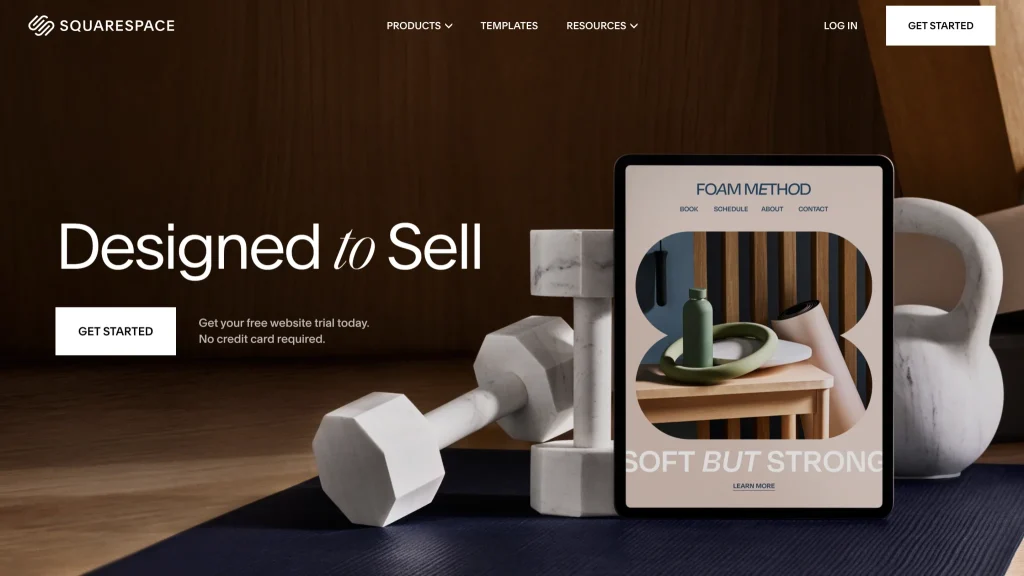
1. Squarespace
You can customize your website branding to reflect your brand. Plus, it has a built-in menu creator, so your menus are formatted beautifully, and your customers don’t have to download PDFs.
Pros:
It is a user-friendly platform with a variety of templates with integrated e-commerce & ensures mobile optimization, which is crucial for modern web browsing. It provides integrations with popular apps, including ChowNow, MailChimp, and Open Table. You can work on many designs at once and install multiple templates on your website.
Cons:
It lacks features like menu customization, & delivery area restrictions. Additionally, lower-tier Squarespace plans limit the number of products you can sell limiting the menu items on the website. The integrated CSS editor allows you to customize any template design using custom CSS. But requires coding knowledge.
Pricing:
It comes with a 14-day free trial, and after that, you have to choose premium plans:
- For static website: Personal plan worth $16/month
- For enabling online ordering: Business plan worth $23/month
- Integrating POS: Commerce basic plan worth $27/month
Perfect for :
Small to medium-sized venues, fine dining, and cafés with limited menus find their e-commerce limitations manageable. It suits restaurants focusing on aesthetics, pop-ups needing flexibility, and those emphasizing online content like cooking advice or blogs.
Overall Assessment: G2 users have rated it 4.4 stars out of 5 due to its extensive built-in features and usability.
2. WIX
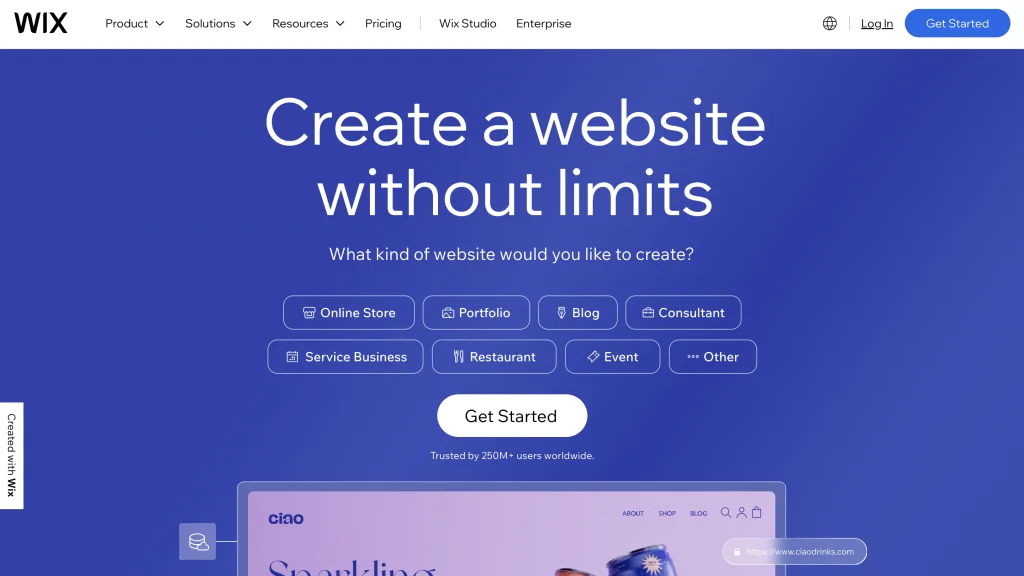
Wix is a cloud-based website development platform that allows users to create professional-looking websites without coding. It provides a variety of customizable templates, drag-and-drop editing tools, and integrated features such as e-commerce, blogging, and SEO optimization.
Pros:
If you want multiple features available to run your restaurant website, like enabling online reservations and managing multiple restaurant franchises, then Wix is perfect. Wix Restaurant has three built-in apps: orders, table reservations, and menu.
Cons:
Wix’s user-friendly interface can limit deeper customization for unique branding, and its rich media may slow down website loading times. Pricing can accumulate with additional features and template restrictions. While supporting e-commerce, Wix lacks robustness compared to dedicated platforms, and its proprietary nature complicates future site transfers.
Pricing:
It has a free plan, but you can’t use your custom domain with that one. For paid plans:
- Business Basic: $27.00 per month
Features: Accept online payments - Business Unlimited: $32.00 per month
Features: More storage & additional features to expand your online presence. - Business VIP: $59.00 per month
Features: Full access to the suite of Wix tools
Perfect for:
Wix is suitable only if your restaurant chain is small. For larger ones, continue reading.
Overall Assessment:
G2 users have rated it 4.2 stars out of 5 for its robust design and pricing options.
3. Shopify
Shopify is a cloud-based commerce platform designed for small and medium-sized businesses. Merchants can use the software to design, set up, and manage their stores across multiple sales channels, including web, mobile, social media, brick-and-mortar locations, and pop-up shops.
Pros:
Shopify is your go-to option if you want to manage a well-established and large restaurant chain, have a complex inventory, and sell other food-related products. It’s also the best website builder for restaurants looking to enhance their online presence and manage large orders.
You can also enable local delivery and pickup and use artificial intelligence (AI) to write product descriptions. Also, the platform comes with a POS system that integrates with multiple marketing tools; best suited for restaurants looking to tailor efforts based on customer data.
Cons:
The main drawback of Shopify is its pricing, which is higher than other options. Alongside the monthly packages, additional expenses come into play with paid apps and themes. Moreover, credit card processing fees are unavoidable
Pricing:
You can enjoy a free three-day trial and pay just $1 for the first month. After this, you can choose from the following paid plans:
- Sell on social media: $5/month starter
- Sell unlimited products: manage 1,000 inventory locations, and generate basic results: $29/month Shopify Basic
- Generate professional reports: $79/month Shopify plan
- Create custom reports and create up to 15 staff accounts: $299/month Advanced Shopify plan
All these plans give you access to basic POS tools, but you’ll need to subscribe to Shopify POS Pro for more advanced features for $89/location/month.
Perfect for:
Casual dining and fast-casual eateries offering online ordering for pickup or delivery, fine dining restaurants selling gift cards or merchandise, food trucks, and pop-up shops leveraging Shopify’s mobile compatibility for sales on the go.
Overall Assessment:
G2 users have rated it 4.4 stars out of 5 for its advanced tools for e-commerce.
Choosing a website builder tool for your restaurant depends on your goals. If you want to display your menu and photos, you’re better off with Squarespace. For promotional offers and easy site navigation, Wix is better.
For larger restaurants, Shopify is helpful with its AI features and ability to add multiple accounts and sell other food-related products.
Search Engine Optimization (SEO) Tools For Digital Marketing
People rarely search for you by name; usually, they search for “best Chinese restaurants near me.” And SEO helps you crack this. Good SEO ensures you appear in the search results of such queries.
Ensuring that your website contains comprehensive information helps you stand out from the sea of dining options. When starting with SEO, you need to know about on–page and off–page SEO. In this blog we have covered both starting with tools for on-page SEO:
4. Ahrefs
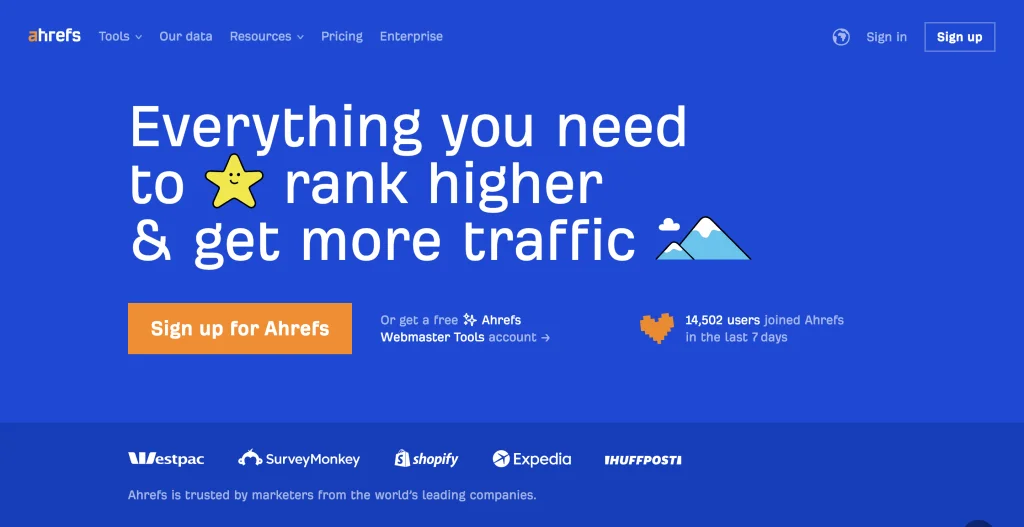
Ahrefs is an all-in-one SEO toolset that can help anyone stay on top of their competitors, drive more search traffic, and optimize their website.
Pros:
Ahrefs offers restaurants a comprehensive SEO toolkit, helping with keyword research, local SEO enhancement, competitor analysis, and menu optimization. It enables content marketing strategies, and backlink opportunities with influencers, and assists in reputation management. Ahrefs offers robust SEO features at a lower overall price point than Semrush.
Cons:
For restaurants, Ahrefs presents drawbacks, complex usage, and handling large amounts of data. Not all features may be useful, and its focus on online presence may not boost in-person visits.
Pricing:
- Ahrefs Webmaster Tools: Free [ Site Explorer, Site Audit]
- Lite: $99.00 Per Month [SEO Dashboard, Site Explorer, Keywords Explorer, Site Audit, Rank Tracker, Alerts]
- Standard: $199.00 Per Month [Includes everything in Lite, 6 months of history, Position history chart, SERP updates, Domain Comparison ]
- Advanced: $399.00 Per Month [ Includes everything in Standard, 2 years of history, Site Structure report in Site Explorer, Google Data Studio integration]
- Enterprise: Starting at $999.00 Per Month [ Includes everything in Advanced, Unlimited history, Access management]
Perfect for:
Ahrefs is best for backlinks & for its backlink authority checker and backlink analysis with SEO-related features.
Overall Assessment:
G2 users have rated it 4.5 out of 5 for its well-priced tool.
Semrush is a leading online visibility management SaaS platform that enables businesses globally to run search engine optimization, pay-per-click, content, social media, and competitive research campaigns and get measurable results from online marketing.
Pros:
Semrush provides similar SEO functionalities as Ahrefs along with additional marketing features available for purchase as add-ons. These include local SEO, social media management, pay-per-click (PPC) advertising research, and insights into consumer trends.
Cons:
Semrush is pricier than Ahrefs.
Pricing:
- Pro: $129.95 monthly [ For newbies and small teams]
- Guru: $249.95 monthly [ For agencies and mid-size businesses]
- Business: $499.95 monthly [ For large agencies and enterprises]
Perfect for:
Semrush is the best choice for businesses that are willing to pay for a more powerful marketing suite that includes great SEO tools.
Overall Assessment:
G2 users have rated it 4.5 out of 5 for its robust tech stack and add-ons.
6. Google Search Console
Google’s Search Console gives insights into website performance. It also gives you information on website errors and allows you to submit new pages for indexing. Some of its important features are:
- Search queries: See the exact words people use to find your restaurant.
- Google Maps visibility: Track clicks from Maps listings, crucial for location-based searches.
- Technical errors: It helps you identify issues that might prevent your website from ranking well.
Pricing:
Google Search Console is a free service offered by Google.
Overall Assessment:
Overall, Google Search Console is a powerful tool that can help businesses of all sizes improve their website’s visibility in search results, G2 users have rated it 4.7 out of 5.
Once you optimize your website, use off-page SEO to build your website’s credibility. One way to do this is by interlinking. When other reputable websites like food review blogs link to yours, Google Analytics begins ranking your website higher in search results. It helps you boost rankings and helps you find customers. Additionally, encouraging positive reviews on review sites and effectively manage online reviews, as this can foster customer loyalty and drive repeat business. By cultivating a strong online presence and providing exceptional experiences, you can attract repeat customers and increase repeat visits to your restaurant.
Among the number of restaurant marketing resources available for off-page SEO, you can consider the following:
Sign your restaurant up for a business profile on Google to manage how your restaurant shows up across Google products like Search and Maps. Restaurants serve a specific geographical location, and having a Google Business Profile ensures your customers can find you. Plus, you can verify your business to be considered twice as reputable.
8. Local Directories (Yelp, Zomato, TripAdvisor)
These directories are not tools in the traditional sense (like software or apps), they function as marketing tools by providing platforms for visibility and interaction. These specialized platforms help customers find, review, and compare restaurants. On these platforms, you should:
- Claim and complete your restaurant profiles
- Monitor and respond to reviews, both negative and positive
Some directories offer niche categories; for example, if you’re a vegan restaurant specializing in high-protein and low-carb diets, you can claim the niche on these directories.
Some directories offer niche categories; for example, if you’re a vegan restaurant specializing in high-protein and low-carb diets, you can claim the niche on these directories.
Social Media Management (SMM) Tools for Restaurant Owners
Over 95% of 18–34-year-olds will likely find your restaurant via social media. So, it is an important tool for connecting with customers and bringing them to your doors.
SMM tools can help you batch schedule your posts so you’re not scrambling to post during rush hours. These tools help streamline and schedule content across multiple social media platforms. They measure and provide comprehensive engagement and performance — you can use these analytics to power your social media marketing strategy.
Some tools you could use are:
9. Hootsuite
With its clean interface and robust scheduling across multiple platforms, you can:
- Schedule posts in advance on Facebook, Instagram, Twitter, etc.
- Analyze results and identify peak engagement times
- Monitor mentions of your restaurant so you never miss a customer comment
Pros:
Hootsuite boasts multi-profile scheduling, unlimited posting across all plans, direct scheduling and publishing, post-time optimization, stock photo library integration, Canva integration, built-in Grammarly, and a free 30-day trial.
Cons:
While Hootsuite offers powerful features like multi-profile scheduling and unlimited posting, it lacks a free tier. It can be expensive, requires a credit card for the trial, has slow customer support, and doesn’t integrate with Google Business Profile.
Pricing:
Professional: $99 per month [ Unlimited scheduling, real-time analytics]
Team: $249 [ Custom reports, team assignments, role-based permissions ]
Business: Starting at $739 [ Message approvals, premium integrations, 24/7 support]
Perfect for:
Hootsuite works well for in-house marketing teams seeking to boost efficiency and streamline workflow through its powerful features. However, businesses needing a basic scheduler or agencies juggling multiple clients might find it less suitable due to its pricing structure.
Overall Assessment:
G2 users have rated it 4.2 out of 5 for its unique offering and seamless integration with Canva and Grammarly.
10. Sprout Social
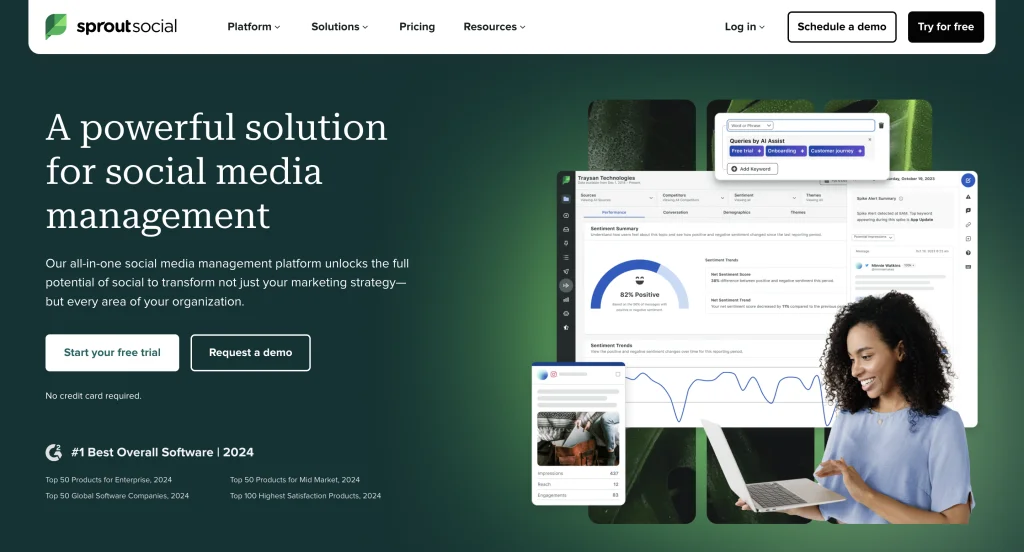
Sprout Social is another tool you could use, but it is a bit pricier, which it makes up for by giving you far deeper analytics:
- Detailed reporting on audience demographics and content performance
- Unified inbox for responding to comments and messages
- Competitor comparison to see how you stack up
Pros:
Sprout Social streamlines restaurant social management with inbox, calendar, reviews, monitoring, analytics, posting, assets, automation, and integrations.
Cons:
Some potential drawbacks of Sprout Social include its pricing, which may be a problem for smaller businesses, and a learning curve for beginners.
Pricing:
- Standard Plan: Starting at $199.00 per user/per month
- Professional Plan Starting at $299.00 per user/per month
- Advanced Plan: Starting at $399.00 per user/per month
Perfect for:
Mid to large-scale businesses looking for a more advanced platform with analytics.
Overall Assessment:
G2 users have rated it 4.3 out of 5 for its robust and vast number of features.
11. Canva
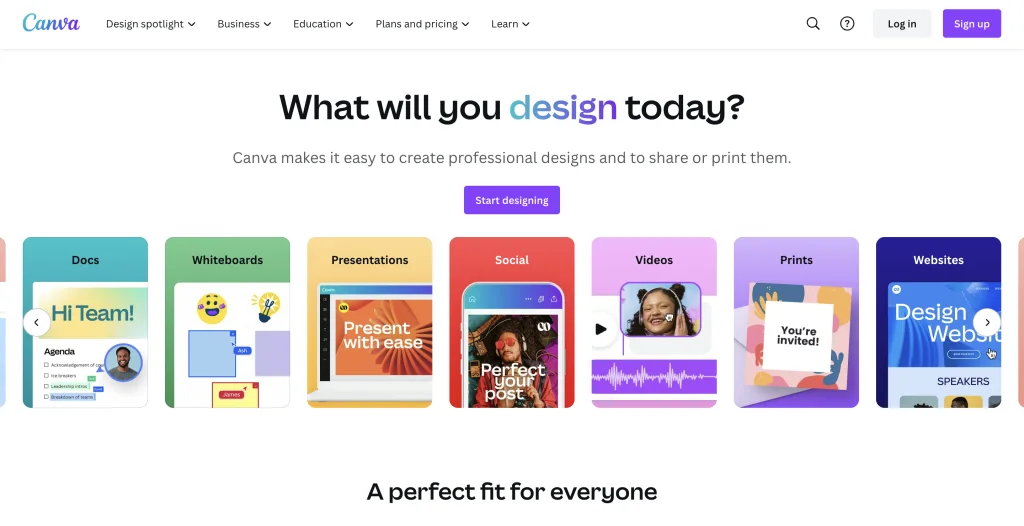
Canva is a user-friendly online design tool that recently added a scheduling utility. Users can now skip the cumbersome steps of downloading from one platform and uploading to another by using their built-in content planner to caption images and schedule posts.
Pros:
It comes with a free version and has a user-friendly interface, extensive library of design templates, customizable options, and collaborative features.
Cons:
Limitations in advanced design functionalities compared to professional design software. Additionally, while Canva offers a wide range of templates, there may be limitations in customization for specific design needs.
Pricing:
- Free Plan: $0 forever
- Pro Plan: $12.99 per user per month
- Enterprise Plan: $36 per user per month
Perfect For:
Small to medium-sized businesses that are looking for a tool that enables them to design and schedule their posts from a single platform.
Overall Assessment:
Email Marketing Tools
Unlike blasting generalized posts, emails allow you to reach your customers to promote new items and communicate special offers. Plus, regularly engaging with your customers keeps you on the top of their minds and nurtures loyalty.
Also, most email marketing platforms are cost-effective; making them the best marketing tool for small to medium-sized restaurants in the US to optimize return on investment (ROI). Let’s look at some of these tools and their features:
12. Mailchimp
It is a user-friendly and affordable platform, which is great if you’re just starting. Its free plan for up to 2,000 subscribers lets you test the waters before you commit.

Pros:
Offers drag-and-drop builder and pre-made templates. Allows you to segment customers by purchase history for targeted campaigns, and then measure success with ROI-tracking reports. Along with SMS campaigns tailored to your restaurant’s specific goals and target audience.
Cons:
It is pretty basic compared to other software like Hubspot, moreover, since it is not an all-in-one solution integration with other tools becomes problematic.
Pricing:
- Free plan: Basic plan
- Essentials: Free for 1 month then, starts at $ 13/month
- Standard: Free for 1 month then, starts at $ 20/month
- Premium: Free for 1 month then, starts at $ 350/month
Perfect for:
Small to medium businesses looking for basic email marketing and landing page tools.
Overall Assessment:
G2 users have rated it 4.3 out of 5 for its simplicity and email marketing campaign abilities.
13. Constant Contact
It’s a reliable email marketing platform with excellent customer support. It focuses on educational resources and helpful guides to effectively empower restaurateurs to leverage email marketing.
Pros:
Offers pre-built templates, automation, feedback surveys, seamless online ordering integration, and excellent customer support.
Cons:
Limited advanced customization, potential for higher costs with larger subscriber lists, and less robust reporting features.
Pricing:
- Lite: $12 per month
- Standard: $35 per month
- Premium: $80 per month
Overall Assessment:
G2 users have rated it 4 out of 5 for its simplicity and pricing.
14. Hubspot
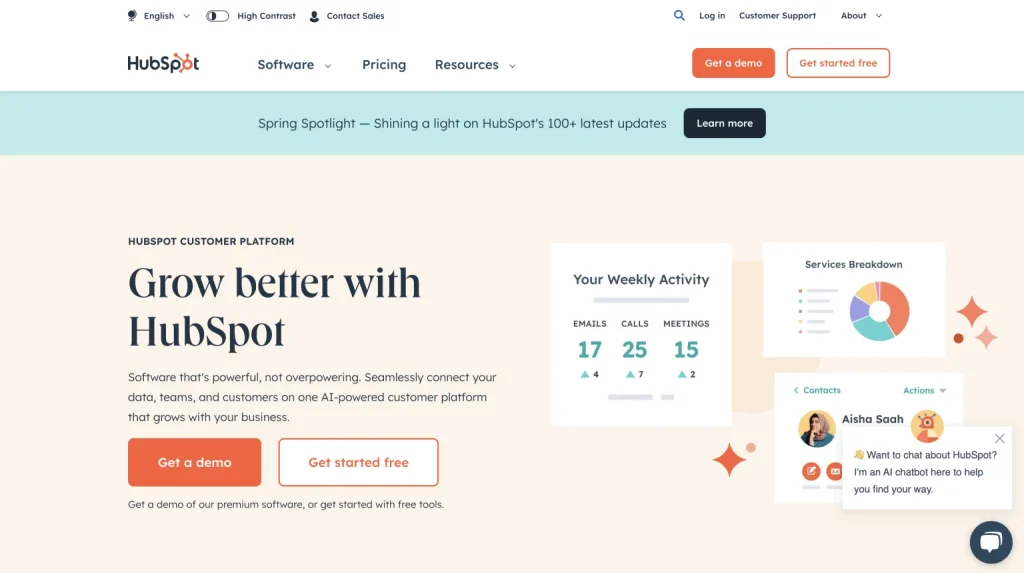
HubSpot is a customer platform that’s designed to scale with your business. From a one-person business to a 2,000+ employee enterprise.
Pros:
It is a robust platform with advanced automation and CRM features that amplify your digital marketing efforts. And comes with several templates for both emails and landing pages and enables you to create automatic workflows.
Cons:
It can be difficult to learn and some features might not be relevant for restaurants.
Perfect for:
Large enterprises with a huge number of customer data.
Overall Assessment:
G2 users have rated it 4.4 out of 5 for its strong features and automation.
Customer Relationship Management (CRM) Systems
CRM software allows you to create personalized customer experiences and foster stronger relationships. These tools collect valuable customer data and help you track past interactions and personalize email communication, improving customer service in the restaurant industry.
By leveraging CRM software, you can enhance your restaurant’s reputation by providing exceptional service and ensuring a positive brand image. Additionally, utilizing CRM software enables you to maintain a positive online presence by engaging with customers across mobile devices and connecting with local restaurants in your community.
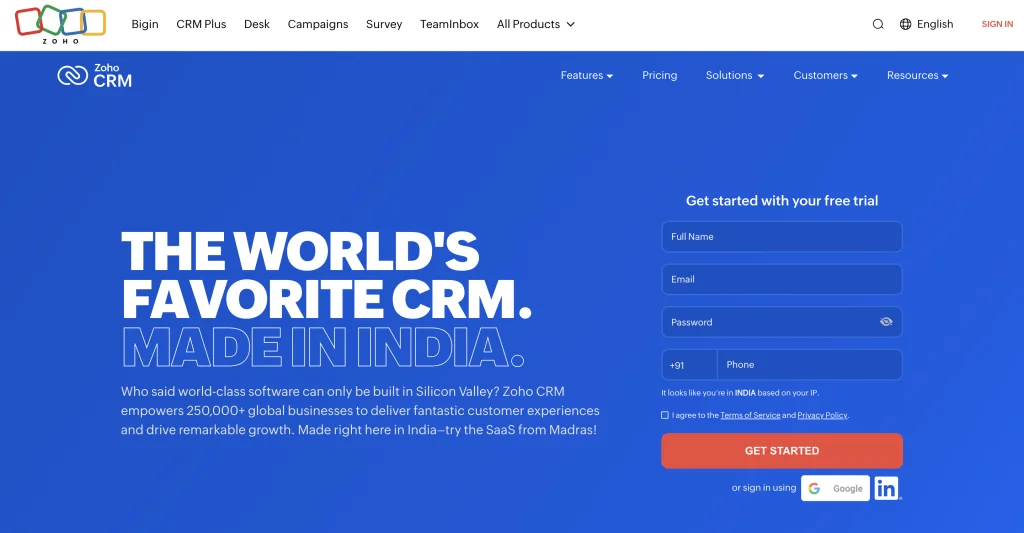
Zoho CRM is a cloud-based CRM for mid-sized to large businesses. It offers features like contact management, sales automation, marketing tools, customer service, and integrations with hundreds of business apps, all in one platform.
Pros:
Streamline reservations, seating, and past visits, then leverage purchase history and dietary preferences for targeted email campaigns. Gain customer insights to personalize future communication.
Cons:
Low-tier users of Zoho CRM have a limited number of allowed users and features moreover some users have complained regarding its customer support.
Pricing:
- Standard: US$14 /user/month billed annually
- Enterprise: US$40 /user/month billed annually
- Ultimate: US$52 /user/month billed annually
Perfect for: Mid-scale businesses to large-scale enterprises.
Overall Assessment:
G2 users have rated it 4.1 for its intuitive UI and integrations.
16. Restroworks CRM
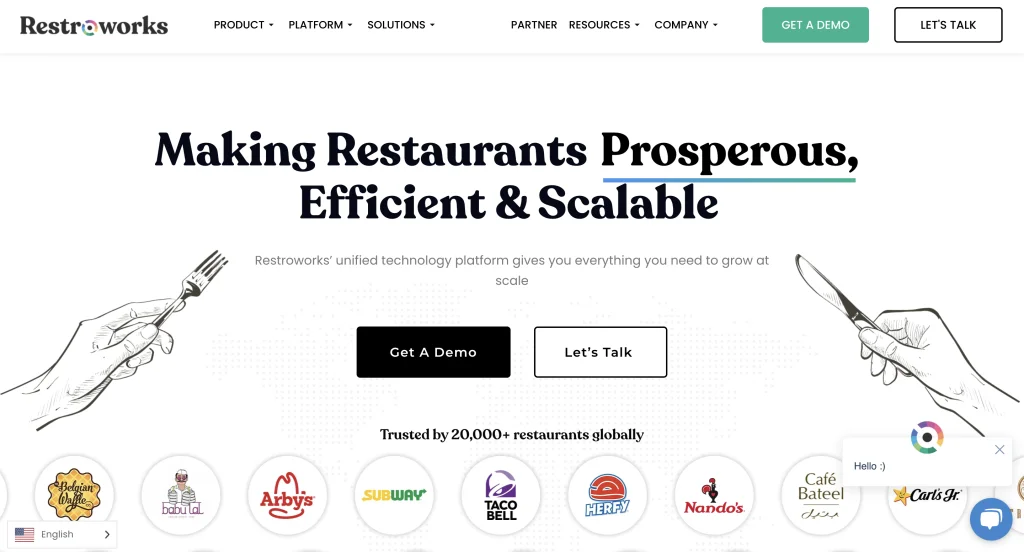
Restroworks CRM is specifically developed for restaurants, redefining how restaurant owners interact with customers and run marketing campaigns.
Pros:
Facilitates centralized collection of customer data from dine-in, online orders, surveys, and feedback, aiding in segmentation for personalized SMS marketing. Moreover, users can benefit from purchase order history and dietary information for upselling and boosting loyalty. It is easily integrated with the POS system and provides data on a single platform.
Cons: Suitable for mid to large enterprises and can be difficult to understand due to advanced features.
Pricing: Provides pricing upon request.
Perfect for:
Medium to large enterprises with multiple outlets looking to streamline their processes.
Overall Assessment:
G2 users have rated it 4.8 out of 5 for its customer support and scalability.
Review Management Tools
Reviews can make or break your restaurants — positive reviews attract new customers, while negative ones can damage your reputation and deter diners. This is where a review management tool comes in — it helps you monitor online reviews across platforms, empowering you to make informed marketing decisions and effectively manage your restaurant’s online reputation. Utilizing marketing technology like a review management tool enables you to stay proactive in addressing customer feedback.
17. Birdeye
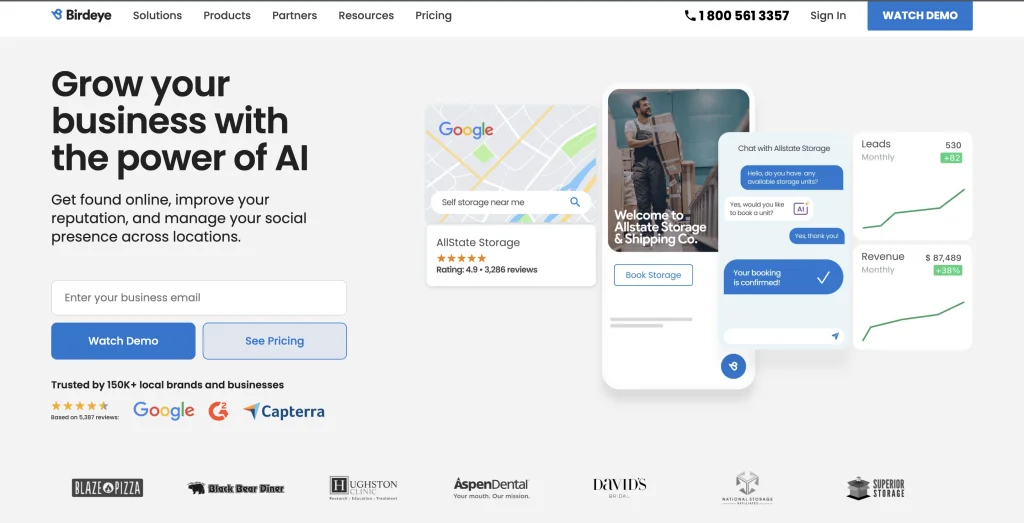
Birdeye is the top-rated reputation management and digital customer experience platform for local brands and multi-location businesses.
Pros:
Birdeye stands out for its user-friendly dashboard and powerful features like an automated review collection, which brings all your reviews together in one place. Plus, it’s easy to set up, use, and get help from their responsive customer support.
Cons:
Integration with certain apps is reportedly challenging and it is costly compared to some of the other solutions.
Pricing:
Birdeye has 3 pricing plans to choose from – a basic Starter plan up to a comprehensive Dominate plan. Pricing for each is determined on a per-business basis by number of locations.
Perfect for:
Mid to large businesses looking for efficient review management and streamlined processes, particularly those focused on enhancing customer feedback and experience.
Overall Assessment:
G2 users have rated it 4.8 out of 5 for its streamlined operations and unique features.
18. Reputation
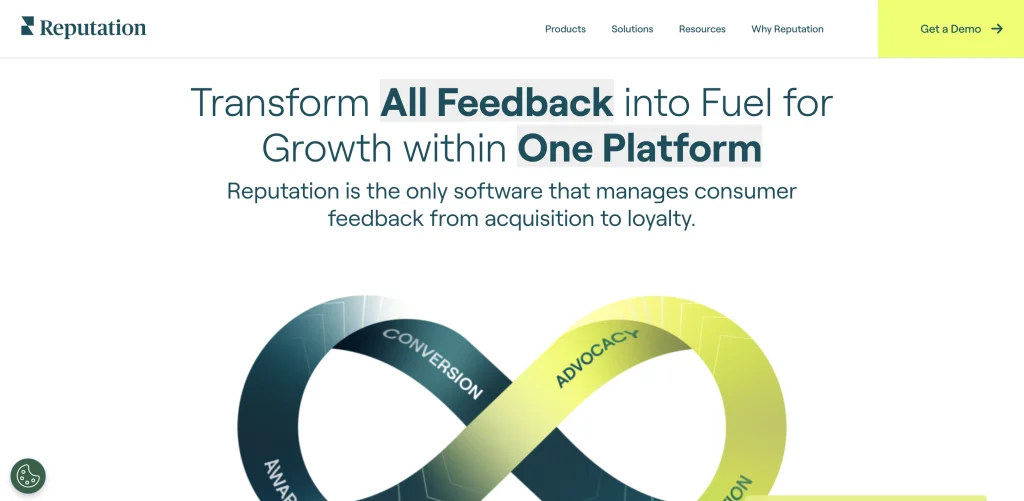
Reputation’s platform manages customer feedback from acquisition to loyalty, using surveys, review monitoring and responses, and a ticketing system that captures customer comments, speeds up customer communication, and reduces unresponsiveness.
Pros:
Reputation streamlines your workflow by consolidating reviews from all platforms into a single dashboard. Plus, you can schedule automated surveys and customize reports for deeper customer insights.
Cons:
Some users find it difficult to navigate through the features and there have been some complaints related to data inconsistency.
Pricing: Reputation provides pricing upon request.
Perfect for:
Multi-location businesses or enterprises seeking robust online reputation management and centralized review tracking.
Overall Assessment:
G2 users have rated it 4.5 out of 5 due to its vast number of features.
Mobile Marketing Tools
Mobile marketing tools such as SMS, mobile apps, and mobile-optimized websites can help restaurants connect with customers in a more personalized and convenient manner.
Mobile apps can provide a seamless ordering experience, enable loyalty programs, and push notifications for special deals or events. Additionally, mobile-optimized websites ensure that customers can easily view menus, browse locations, and make reservations from their smartphones.
A mobile marketing tool that you can use to reach customers on their smartphones in the US is:
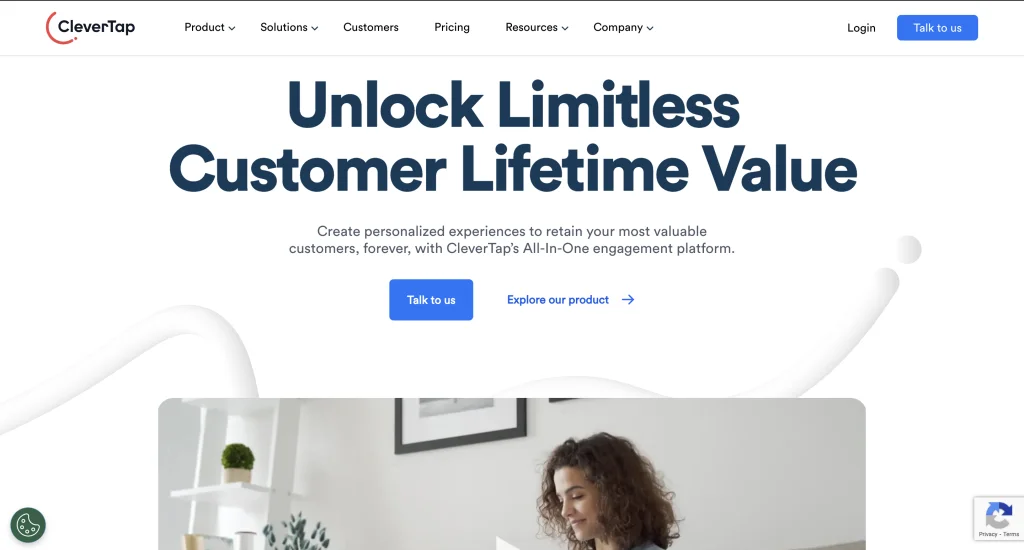
CleverTap is a comprehensive mobile marketing platform that empowers businesses to create engaging and personalized experiences for their customers through mobile apps.
Pros:
Send personalized push notifications, track campaign performance, use multimedia for interactive experiences, and target customers based on location.
Cons:
Complex to set, limited customization options, and higher pricing compared to some competitors
Pricing:
It starts at $75.00 per month, this package allows you to get started with the fundamentals for more details you need to contact their sales team.
Overall Assessment:
G2 users have rated it 4.6 out of 5.
Choosing the Right Restaurant Marketing Tools
Be strategic while choosing the right tech tools for your restaurant so you can maximize efficiency, drive sales, and delight your customers:
- Goals and budget: Set marketing goals and understand your ideal target audience before making the purchase decision. Based on these goals, set a realistic budget to prioritize purchasing tools that impact your bottom line.
- Start small: Buying and using a dozen new tools simultaneously could lead to frustration and cause waste. Make a list of a few essential software that address your core needs, and then decide whether you want to expand.
- Test drive before committing: Many tools offer free versions with limited functionality or time-based trials. This is a risk-free way to see if a platform fits your workflow and delivers measurable benefits. Even if you have a good budget, it’s a good idea first to try the free version to see if it meets your needs.

Frequently Asked Questions
There’s no one-size-fits-all answer. The best marketing tools for restaurants depend on your specific goals, budget, and target audience.
A multi-channel approach combining online and offline strategies is usually the most effective. This includes email marketing, social media, local SEO, and traditional promotions.
Product (your food), Price, Place (location & ambiance), and Promotion (your marketing activities).
Your menu! It should be well-designed, reflect your brand, and entice customers with delicious descriptions and appealing photos.
Again, there is no single answer. For maximum reach, consider a mix of Google Ads, Facebook/Instagram Ads, and local listings platforms (Zomato, etc.).
Some emerging trends in restaurant marketing tools include leveraging customer data and AI, omnichannel presence across digital platforms, and integration of augmented reality (AR) and virtual reality (VR).
To keep up with these trends, you should invest in data analytics and CRM tools, develop a strong digital presence, and continuously adapt your marketing strategies to stay ahead of the competition.